Capture
Capture a connected Android device or open an existing image. On macOS, select a desktop region too.
Development / Windows · macOS
Capture Android screens. Mark bugs. Share feedback.
A free Lite desktop app for Android developers and QA. Turn a screenshot into a clear bug report with arrows, markup and image comparison.
Free download
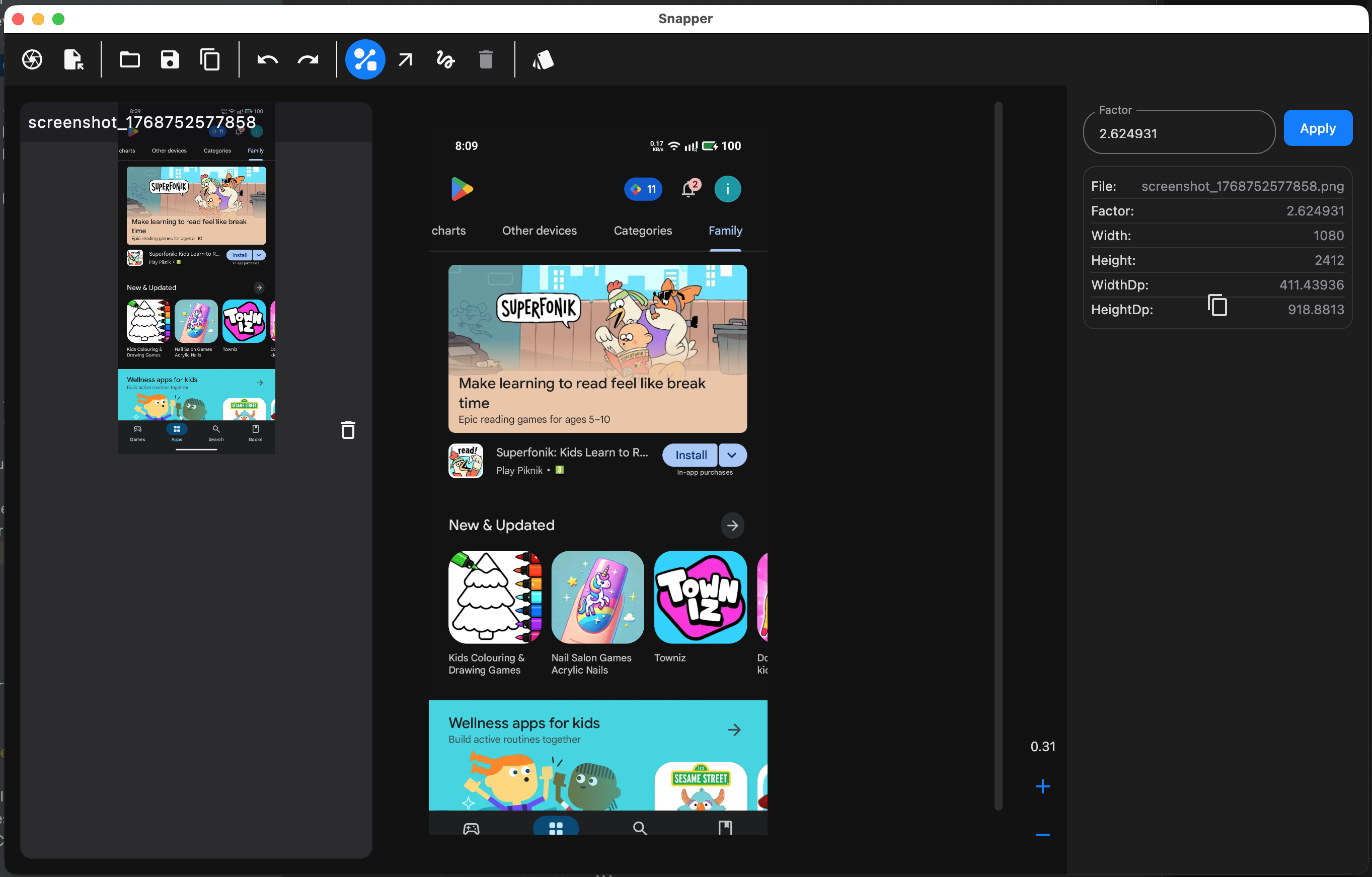
Capture a connected Android device or open an existing image. On macOS, select a desktop region too.
Point out the problem with numbered arrows, lines and freehand drawing. Compare images side by side.
Export a PNG or copy the annotated image. Paste it into your team’s ticket, chat or review.
For Android capture, install Android SDK Platform-Tools, enable USB debugging and approve your computer on the device. If needed, choose the adb path in Settings.
You can open and annotate images without an Android device. Desktop region capture requires macOS and Screen Recording permission; on Windows, use Android capture or open an image.
Capture, markup, zoom, undo/redo, image comparison, PNG export and clipboard copy. Captures are saved automatically in local project folders. File handoff uses your operating system; on Windows it opens the exported file.
Jira integration is planned for Pro and is not included in the current Lite download.
Adds keyboard shortcuts, shortcut help and clipboard image paste, plus update checks and workspace improvements. Press F1 in the app for shortcuts. The Windows download is unchanged.
Free downloads available now.
On Windows, check Settings → System → About → System type: choose x64 for an x64-based processor or ARM64 for an ARM-based processor. On macOS, check Apple menu → About This Mac: Apple Silicon installers require an Apple chip.